Sign in with a key
Open a free account and generate a key in one step. Use the same key when you sign in from another device.
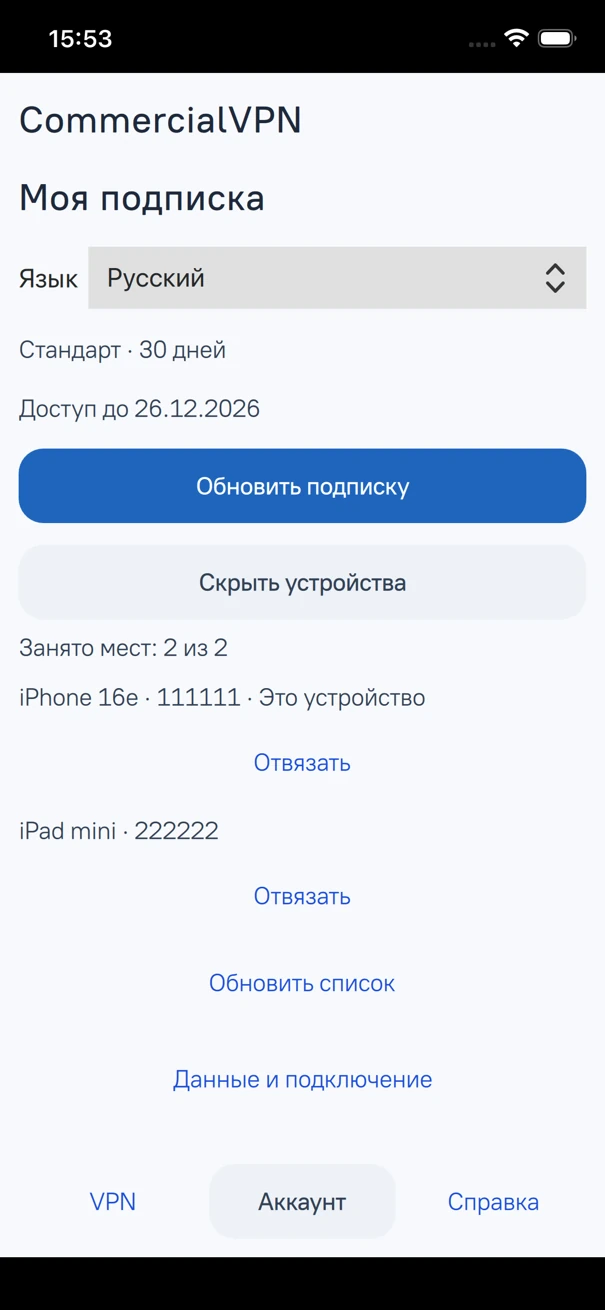
Open my accountOne key opens your account on a phone, tablet or computer. You choose which devices stay signed in.
Open a free account and generate a key in one step. Use the same key when you sign in from another device.
Open my accountDownload the text file or copy your key into a password manager when you create it. You can then take your account to a new phone.
Read the key guidesSee which devices are signed in. End a single session or replace the key from your account’s security settings.
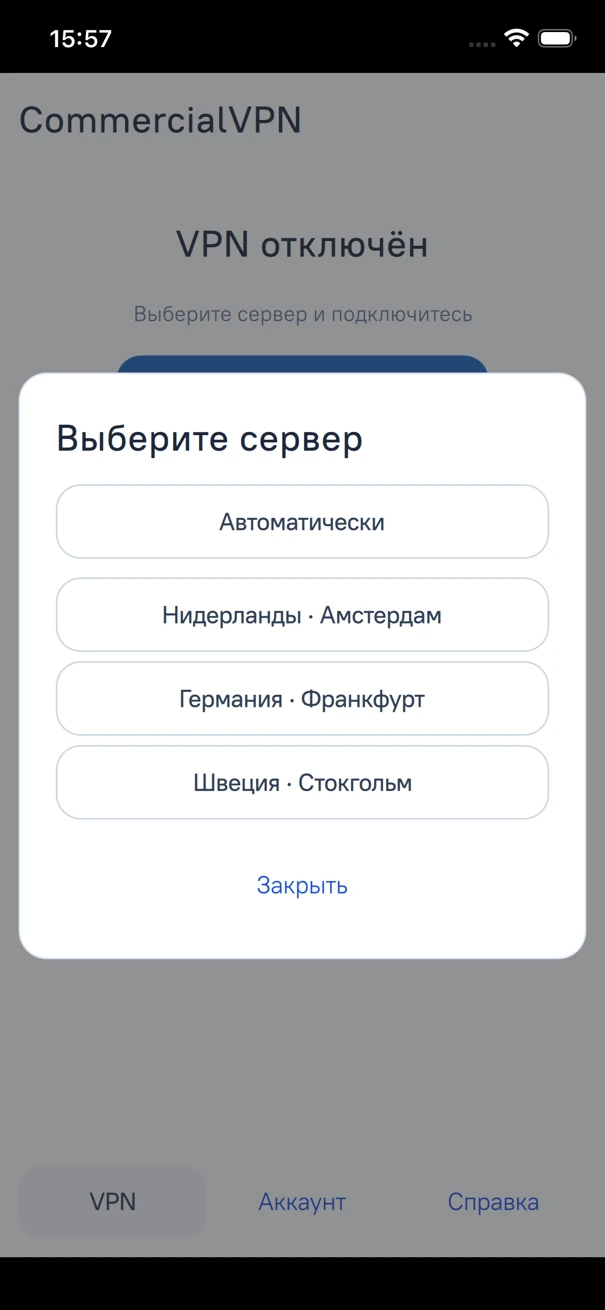
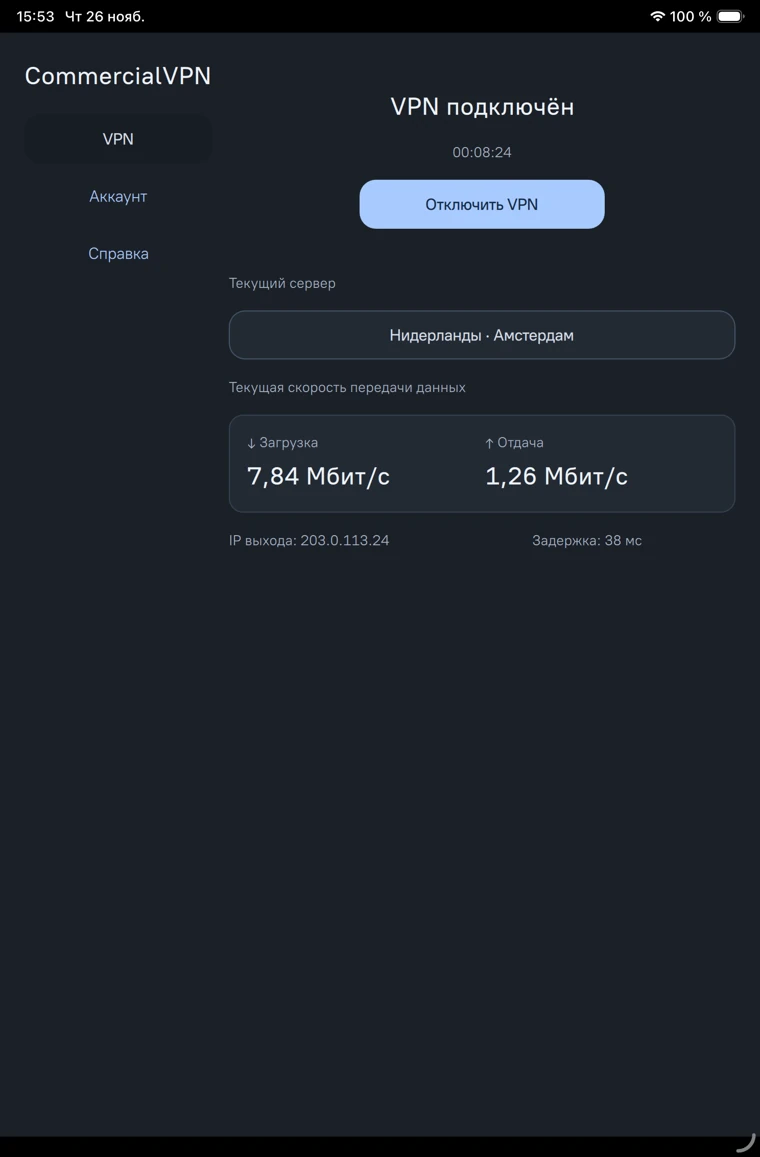
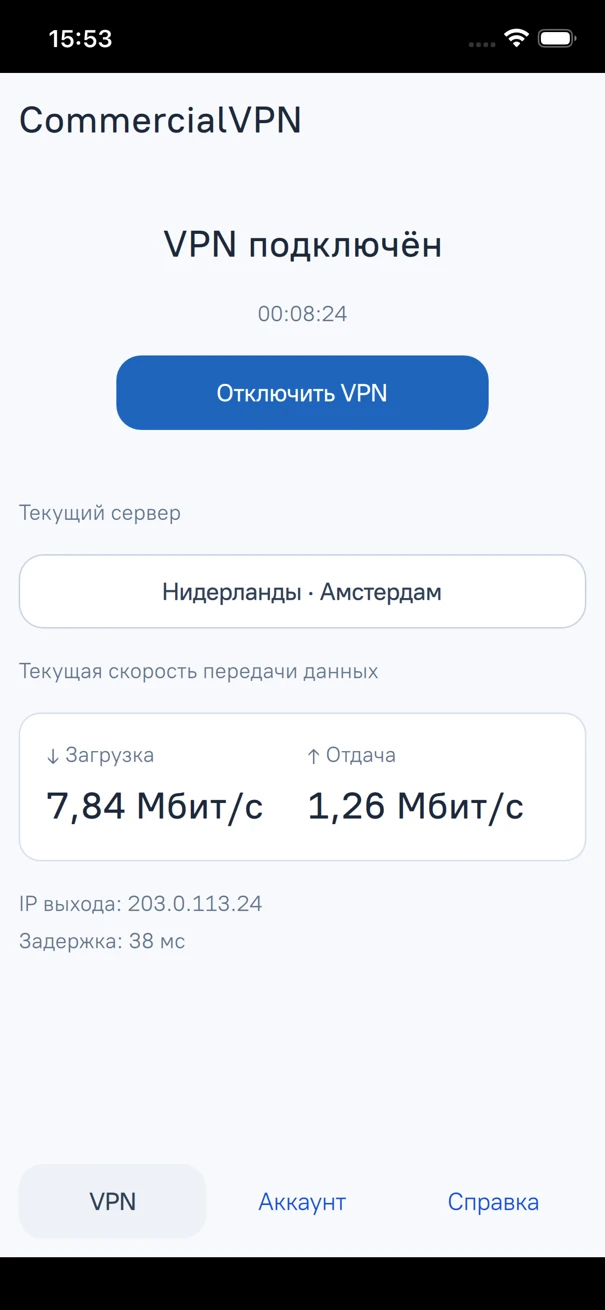
Access questionsThese screenshots show sample data from the test build. Select an image to see it at full size.