Identify the model and version
Open Settings → General → About. Compare the iOS version shown there with the app requirement.
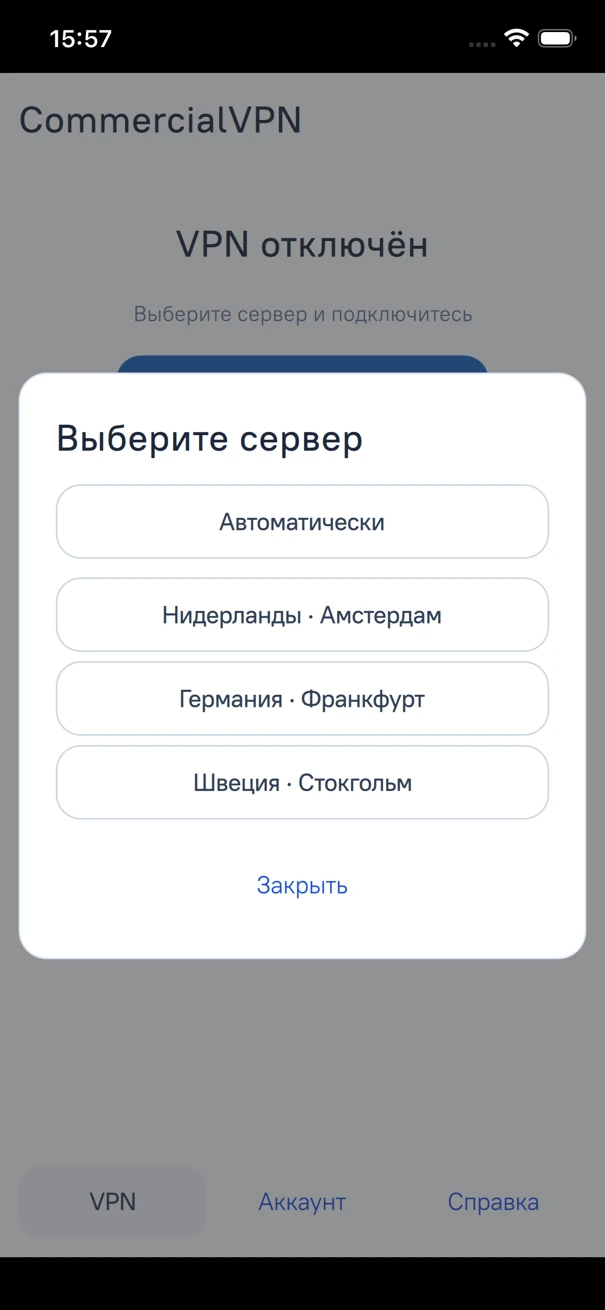
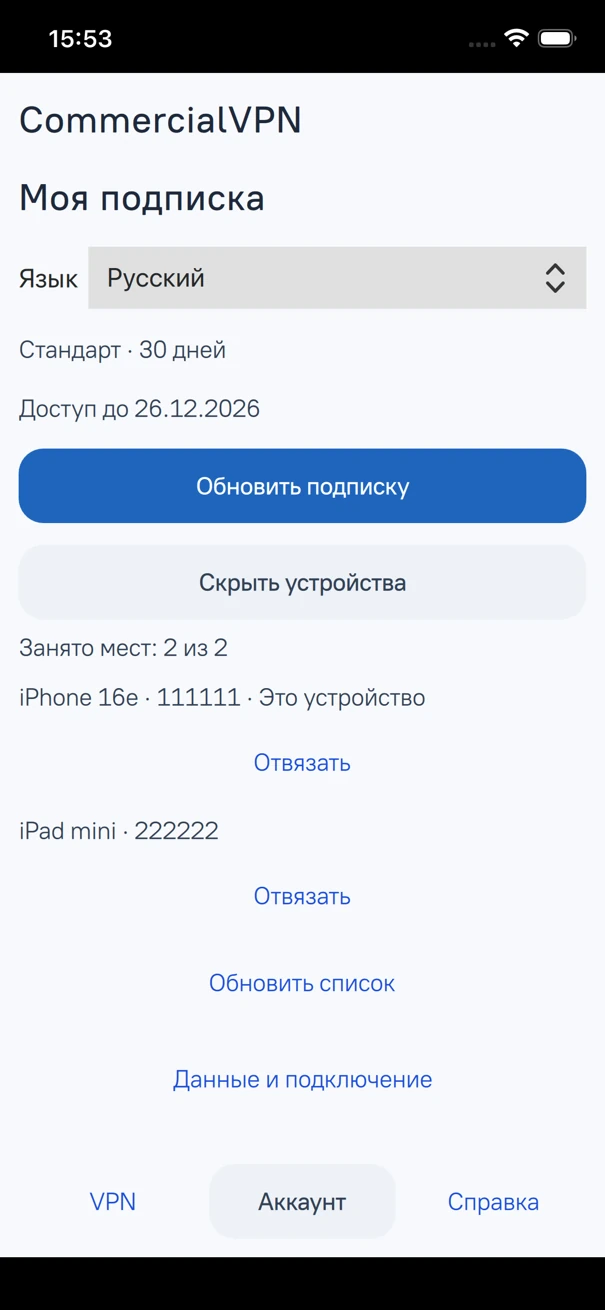
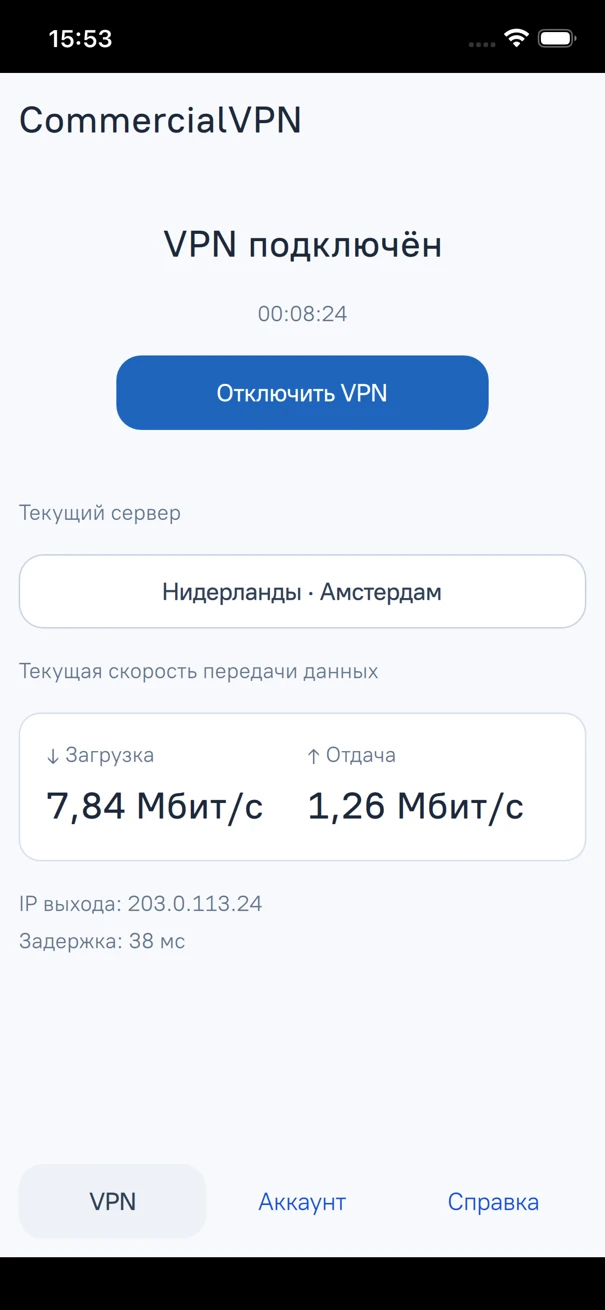
Your key, server list and connection readings live in the iPhone app.
Open Settings → General → About. Compare the iOS version shown there with the app requirement.
Save your key in a password manager you can open on your iPhone. You can already use it to sign in to the web account in Safari and see your sessions.
Go to my accountThese screenshots show sample data from the test build. Select an image to see it at full size.