
Identify the model and version
In Settings, open General → About. This screen shows the iPad model and iPadOS version.
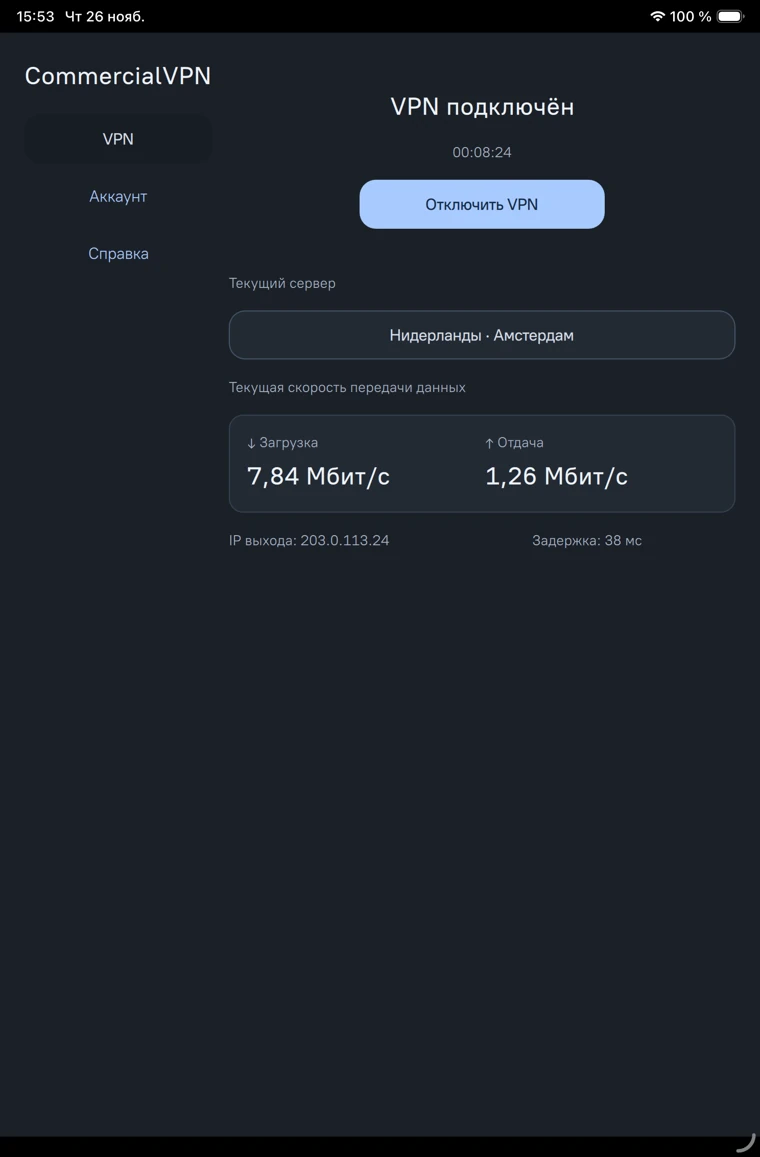
A tablet layout with sidebar navigation and room for connection details.
In Settings, open General → About. This screen shows the iPad model and iPadOS version.
Open your account in Safari on your iPad and use the same key as on your phone. The tablet sign-in will appear in your session list.
Go to my accountThese screenshots show sample data from the test build. Select an image to see it at full size.